
The Nivalis Nights greenhouse supplies produce for restaurant menus, market sales and named quests. Begin with Clem Hortelano at the Docks and the Greenhouse 2B route, then choose crops whose outputs have a clear destination.
Use the recipe database to see which dishes use an ingredient and the menu planner to combine requirements. Crop conditions, harvest duration and quantities should come from your current greenhouse screen when a source field is unknown.
Update 5: automate harvesting and replanting
Official notes checked October 17, 2026. Update #5 adds Automatic Harvester at Farming level 15 and RePlanter 4000 at level 16. Together they automate the harvest-and-replant cycle. Open the greenhouse panel through Tab to inspect modules remotely, choose crops and toggle those upgrades.
Add ordinary storage furniture to provide basic or refrigerated greenhouse space. Harvests go into that storage; if one type fills, crops spill into the other. If both fill, they fall back to your carried inventory with a warning. Check the actual destination and refrigeration before counting a harvest as available supply.
In each venue's management settings, enable Use Greenhouse Stock to let managers use your crops before buying ingredients. Manual restaurant transfers remain useful when that option is off. Farming requirements, growth times and yields were rebalanced, so an existing save can lose Farming levels and temporarily fall below an upgrade requirement. Read the current screen before using an older crop schedule.
The October 16 patch also marks the last planted crop in the module list and radial menu. The quest quantities below retain their recorded source baseline; they are separate from the new production balance.
Start with Clem and Greenhouse 2B
Clem's introduction gives onion seeds and directs you toward Thaddeus's greenhouse near the Docks. The illustrated beginner guide reports a Root Farming Module in the starter greenhouse for onions. Some older guides spell the contact's name Clen; the current community quest record names Clem Hortelano.
- Finish Clem's introduction and access Greenhouse 2B.
- Check the installed module and select the matching onion seed.
- Grow and harvest the named onion objective.
- Return to Clem when the journal requests the conversation.
- Follow the subsequent potato learning stage before moving into the customer orders.
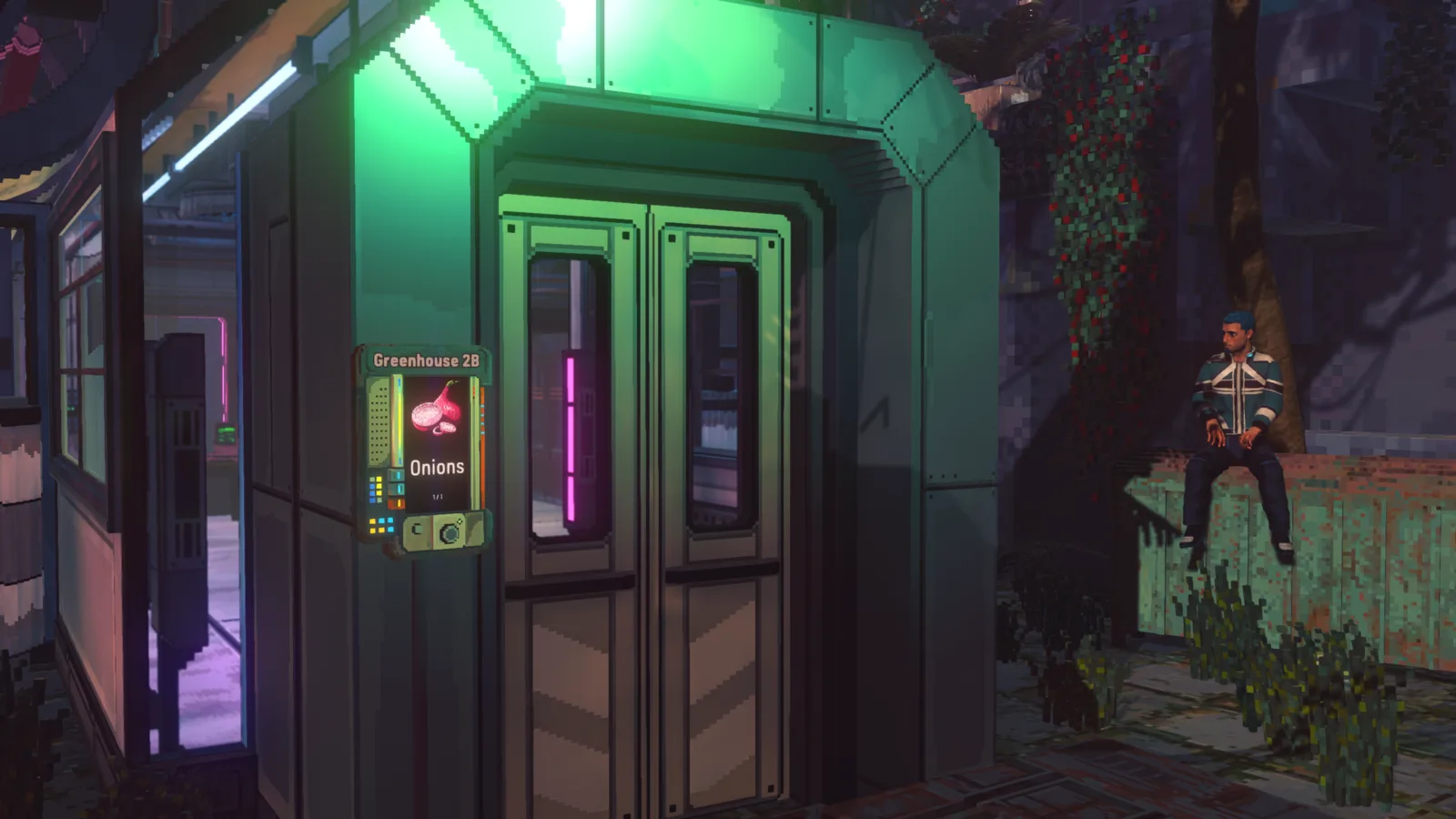
Possessing seeds, entering the greenhouse and completing a harvest are different checkpoints. Follow the current journal stage to identify which one still needs work.
Match seeds, modules and growing controls
Inspect the module name and supported crop before placing another order. A finished food item with the same name as a crop is separate from the seed and planting action.
The illustrated farming guide places environmental controls at Farming Level 4. That is a source-reported UI observation, not Business Skill or venue popularity. The quest dialogue says the conditions apply to the greenhouse, so consider the other growing plants when changing humidity, temperature or light.
Use the displayed crop feedback to choose adjustments. This guide does not establish an optimal environmental preset or exact harvest duration for every crop. Record an effective configuration from your own crop screen before treating it as a repeatable plan.
Complete the named Green Thumb orders
The Green Thumb walkthrough covers the full customer sequence after the learning stages:
Swipe horizontally to see all columns.
| Customer stage | Recorded requirement |
|---|---|
| Sal | Grow and deliver 4 Onions, 2 Cabbage and 2 Bok Choy |
| Ma Gomba | Grow and deliver 5 King Mushrooms |
| Hanz Grundown | Grow and deliver 2 Beef |
| Return to Clem | Complete the final conversation after the customer handovers |
These quantities belong to the quest route. They are not per-serving ingredient amounts or a universal greenhouse production target. The recorded final branch gives a Meat Printing Module A; use the actual handover and journal status to confirm your progress.
Ma Gomba also has a separate personal mushroom quest involving Enoki, Ma Gomba's Morels and Mystery spores. The Morels ingredient record connects its cooking uses and acquisition notes; the King Mushroom customer order should stay attached to Green Thumb rather than being merged into that separate story.
Find a missing farming module
Open the farmer's trade window and inspect its furniture category when the item does not appear among food offers. Clear filters before deciding that the vendor has no modules. Players also report checking a farmer in Skyhigh Gardens for other modules; inspect the actual named offer there.
Swipe horizontally to see all columns.
| What is missing | Check |
|---|---|
| A module in the seller's window | Furniture category and active filters |
| A crop in the planting interface | Installed module and seed compatibility |
| Environmental controls | Current Farming progression and locked-control text |
| A harvest objective update | Named crop, harvest action and required quantity |
| A customer handover | Carried produce and the correct conversation stage |
Use the greenhouse point of interest in the game's navigation if you lose the route. A district reference alone does not establish a precise door or permanent NPC position at every story stage.
Plan restaurant supply from recipe demand
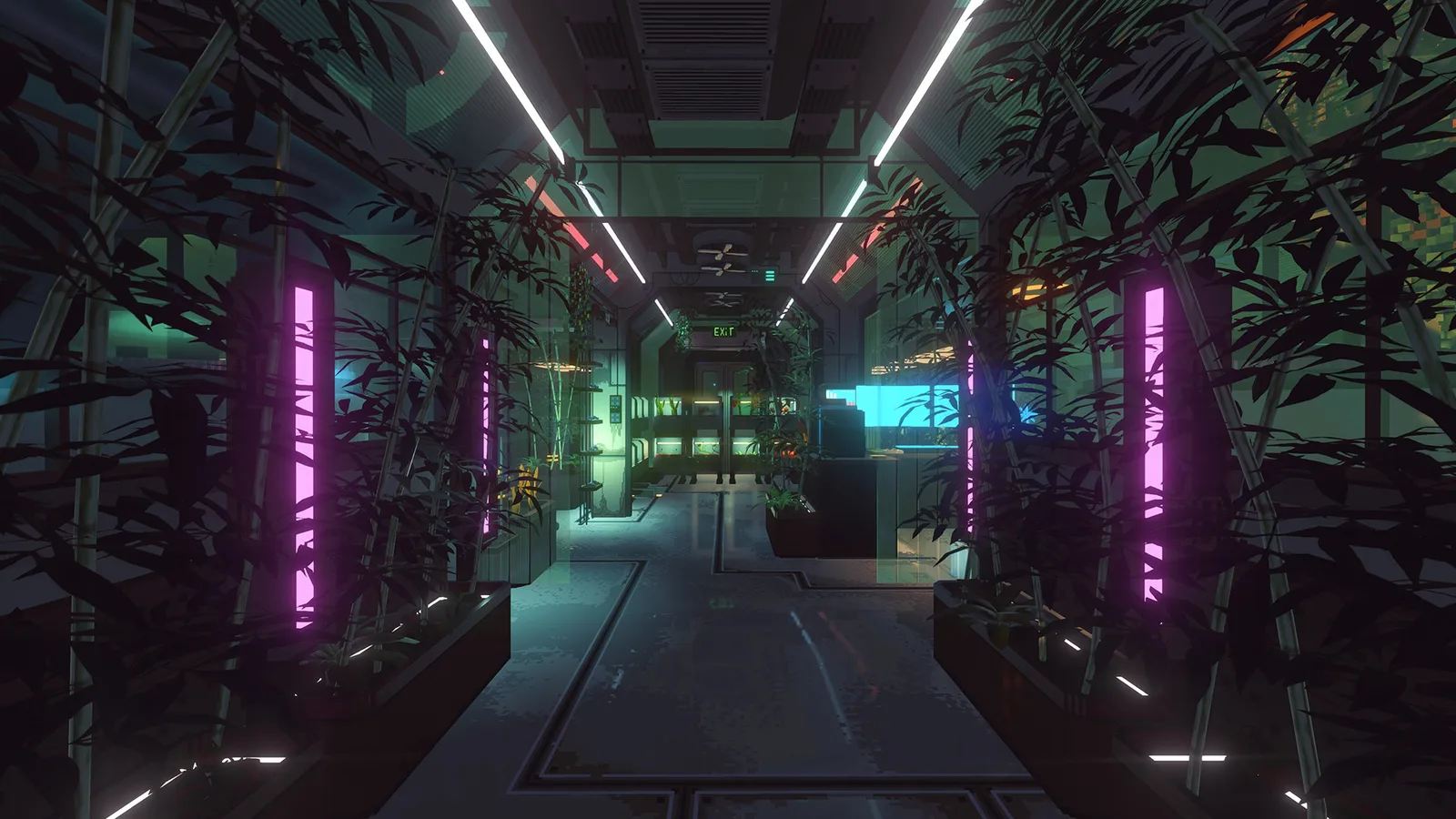
Select an output that a dish on the active venue menu actually uses. The ingredient page links to recorded recipe uses, and the menu planner combines those uses into a scenario after you enter serving amounts. Deduct existing usable stock, then check incoming delivery timing before planning another batch.
After harvest, inspect greenhouse storage. Enable Use Greenhouse Stock for the intended venue when you want its managers to use crops before buying; otherwise transfer restaurant-bound output manually. Check refrigeration, remaining freshness and the menu’s expanded missing-input icon.
Update #4's automatic restock warning appears at zero required stock and can recur when vendors cannot supply an input. Update #5 adds a greenhouse-stock supply option for venue managers. That option is separate from the Farming 15 and 16 upgrades that automate growing operations; do not treat an ordinary employee role as an automatic harvester.
The greenhouse also serves quests and market sales. Keep reserved quest quantities out of a restaurant purchase plan until that handover is complete. If you plan to sell output, compare the current trade offer with the cost of replacing any supply the menu needs.
Review the next growing cycle
Before planting again, choose the destination: a named quest, a specific venue or a sale. Check the remaining stock and available storage. Record the output you actually harvested before extrapolating a longer production run.
For surplus, adjust the next batch or menu plan. For a stalled objective, inspect the requested grow-and-harvest action and customer conversation. For missing restaurant stock, verify the transfer and current recipe requirement through the restock workflow.
Sources and related next steps
The beginner controls use the illustrated farming guide. Named order stages use the community quest records linked in Green Thumb and Ma Gomba's Mushrooms. Native automation and storage use official Update #5; earlier target and warning rules use official Update #4.
Those sources are not an independent gameplay test of every crop or patched quest branch. Keep current crop values and unknown fields distinct while using ingredient lookup and menu planning for restaurant supply.