
For the Nivalis Nights Snapshot quest, go to the active quest location, open Photo Mode from the pause menu, and frame the orange camera icon inside the shot before taking the picture. Multiple players report that this is what makes the photo count. A Steam screenshot taken with F12 does not replace the in-game quest photograph.
The important detail is seeing the icon through Photo Mode, rather than merely standing on the map marker. If it is not visible, a reported solution is to move back from the exact marker position and frame it again. This method has success reports, but it does not guarantee a working angle for every target.
Take the Quest Photo in Photo Mode
- Select the Snapshot objective and travel to its indicated location.
- Open the pause menu with Escape and choose Photo Mode.
- Look for the orange camera icon within the Photo Mode view.
- Adjust the composition until the icon is visible in the shot.
- Use the in-game photo capture and check whether the quest progresses.
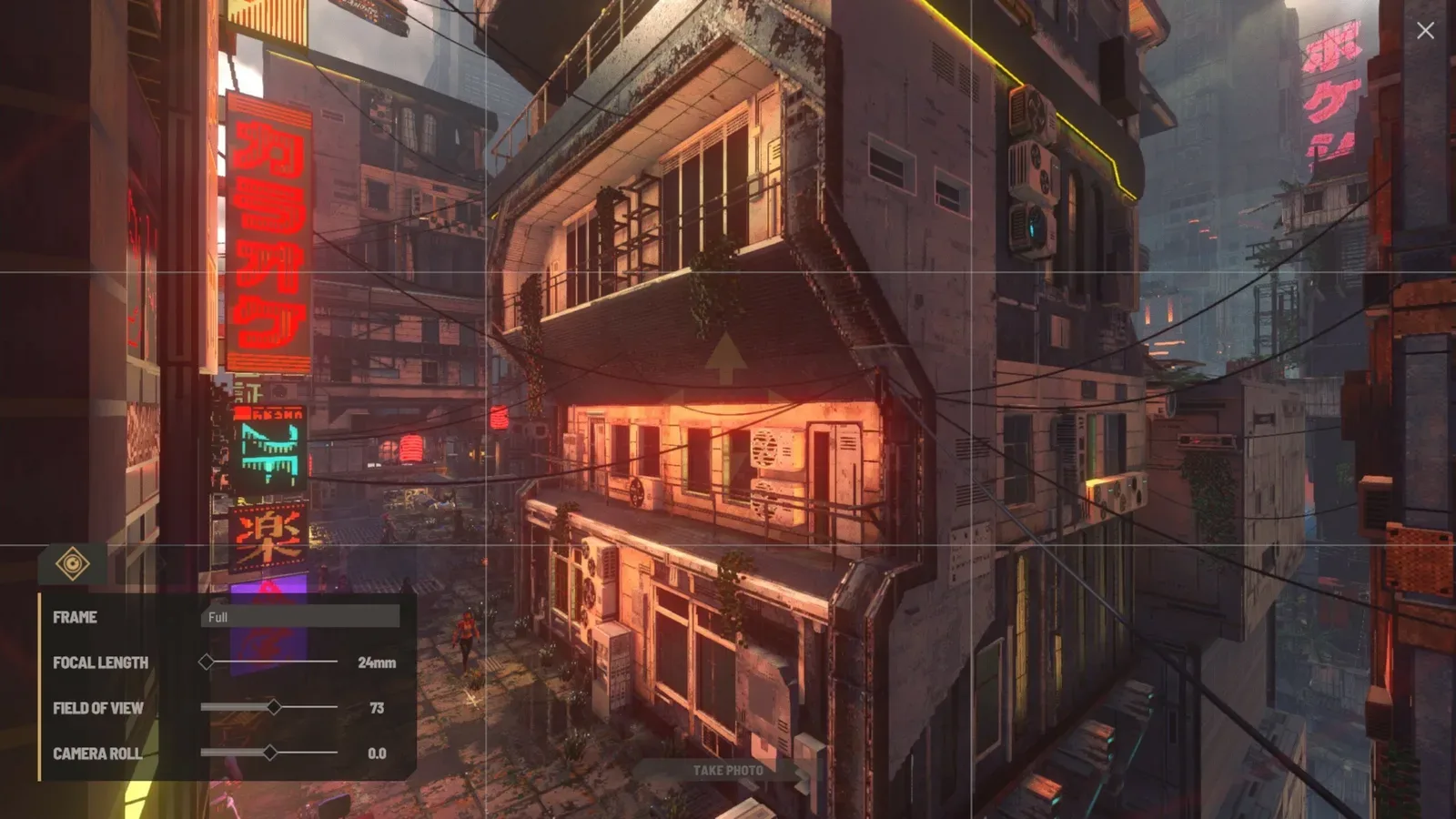
Use the in-game Take Photo control for quest capture. This illustration does not show the orange Snapshot quest icon.
The illustrated interface shows Photo Mode and its Take Photo control. It does not show a completed Snapshot objective or the orange quest icon. Use your own active target for the quest composition.
The quest does not require a separate inventory camera according to the reported solution. Searching for an equipable camera or relying on F12 can leave you with an ordinary screenshot without advancing this objective.
Step Back if the Icon Is Hidden
One player who could not see the icon while standing on the exact quest spot was advised to back away: the camera icon is at the marker position once Photo Mode is entered. That gives you a specific adjustment to try before taking more shots of the surrounding buildings.
A successful Meridian Market report emphasized that seeing the logo inside Photo Mode was the missing part after many photographs failed to count. The number of photos taken does not establish a valid composition. Check the icon rather than repeating the same view.
The reports do not establish a fixed distance, compass direction, or universal camera setting. Moving back is a reported visibility adjustment; it is not a guaranteed coordinate-based route.
Check Progress After Capturing
Return to the journal or active objective after the in-game capture. An image file existing on your PC is not, by itself, proof that the quest accepted the photograph. The composition and in-game capture matter for the reported method.
Some players still reported trouble seeing the logo, and a request about photographing the Stacks remained unresolved in the retained discussion. No exact Stacks angle, complete location list, reward, or universal repair is confirmed here.
If your current target remains unresolved, keep its name and journal objective clear when comparing solutions. A successful photograph at Meridian Market does not prove that the same standing position works at another location.